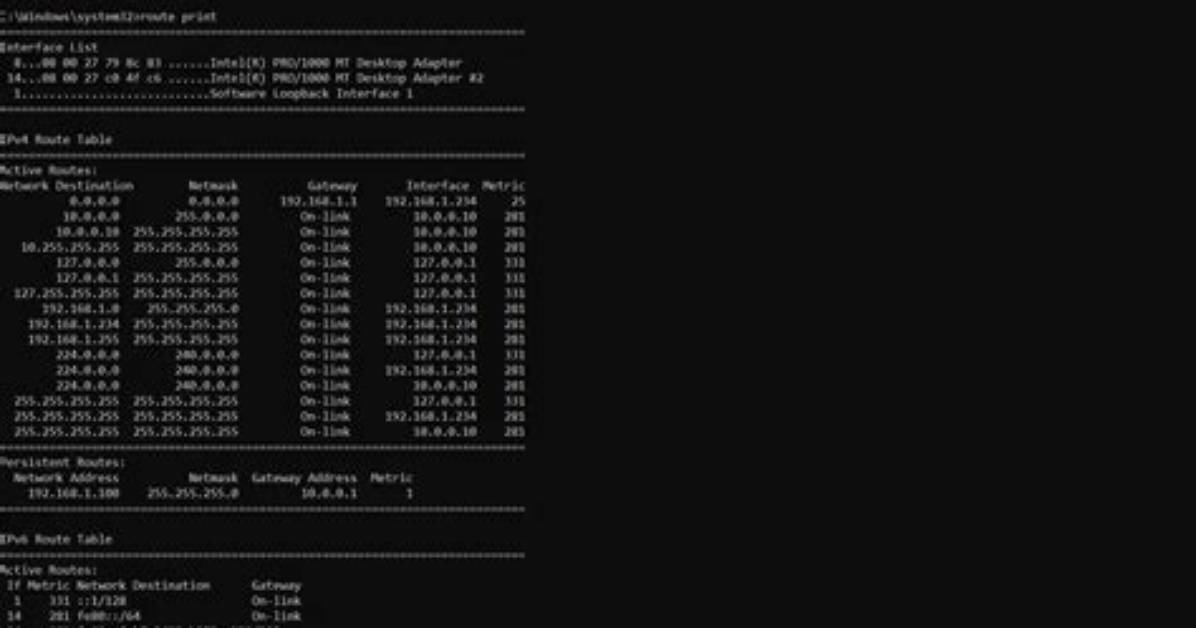
The routing table is a critical component of network operation for several reasons:
- It enables effective data packet routing within and outside a network.
- It helps in troubleshooting networking issues by providing insights into potential routing problems.
- It allows network administrators to optimize connections and manage traffic effectively.
How Can I Edit the Routing Table in Windows?
Editing the routing table is sometimes necessary for customizing network settings. To add or delete routes, you can use the following commands in the Command Prompt:
- To add a route:
route add [destination] mask [netmask] [gateway] - To delete a route:
route delete [destination]
For example, to add a route to the network 192.168.1.0 with a subnet mask of 255.255.255.0 via the gateway 192.168.0.1, you would use:
route add 192.168.1.0 mask 255.255.255.0 192.168.0.1What Common Issues Can Be Resolved by Analyzing the Routing Table?
When you show the routing table in Windows, you may uncover various issues that could affect network performance:
- Incorrect routing entries leading to unreachable destinations.
- Redundant routes that can cause network congestion.
- Missing routes that prevent access to certain networks.

