Enabling screen recording on a Windows device is straightforward, thanks to the built-in Game Bar feature. Follow these simple steps:
- Press the Windows key + G to open the Game Bar.
- Click on the “Capture” widget.
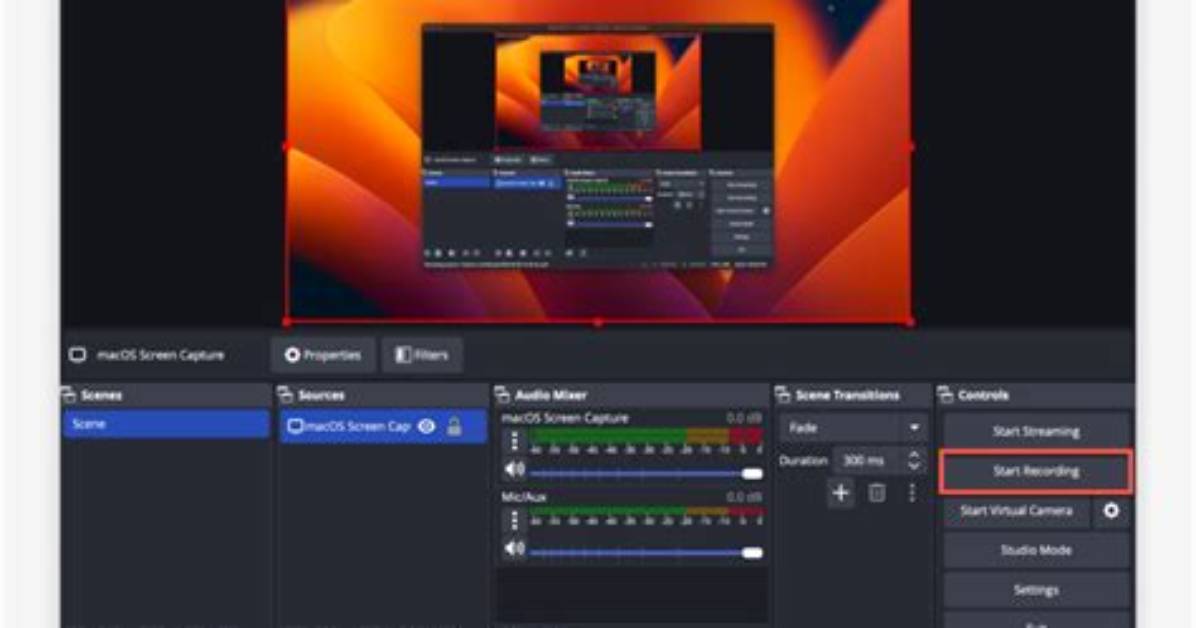
- Press the “Start Recording” button or use the keyboard shortcut Windows key + Alt + R.
- To stop recording, press the same keyboard shortcut again or click on the stop button in the Game Bar.

